🚨 URGENT: Limited Time Introductory Access 🚨
🔓 UNLOCK The Perfect Companion to Your Book!
Fast Track Your Funnel Design Skills by 10X With This TASK System Video Walkthrough Course
This is your only chance to grab the full video walkthrough at a special one-time launch price. I’ll personally guide you—step by step—through every page of the book, bringing each concept to life with clear, visual demonstrations.
No guessing. No confusion. Just results.



Edit testimonial title and add yours
Edit this paragraph to write a few lines for testimonial. It should be short and to the point. ~ JANE DOE, Head of Marketing
It Might Sound Unreal — But You Can Quickly Master Funnel Building on HighLevel
(Even If You're Not a Designer or a Techie)
And the truth is — it’s actually simple... once you see how it’s done.
This Is Hands-Down the Best Way to Learn GHL Funnel Design:
You are going to watch over my shoulder as I explain the concepts in a beginner-friendly way
You’ll instantly realize you don’t need any tech skills or design background to build pro-level funnels.
You’ll follow a clear, proven strategy inside the GHL Page Builder that saves hours of frustration and helps you launch faster—without second-guessing a thing.
🚨 Limited-Time Offer: Unlock $300 in Instant Savings!
You’re just one click away from accelerating your funnel skills by 10X — without the $597 price tag.
Original Price $597
Today You Pay ONLY $297
💰 (You save $300 instantly — no strings attached)
🤔 Already Got the Book?
Here's Exactly Why You Still Need This Video Walkthrough:
Learn Faster, Clearer & With Bonus Insights and Enhanced Visual Experience You Can’t Get from the Book Alone
This isn’t just a repeat of the book—it’s the visual companion that brings the TASK System to life on-screen so you can build high-converting pages faster and with absolute confidence.
Why You Need Both: The Book + This Video Course
Watch me walk you through the exact screens and settings step-by-step—so you can absorb and apply what you’ve read 10X faster.
Replicate every move I make, the right way, with zero second-guessing.
Get instant clarity on core concepts and how to implement them inside the builder without overwhelm.
Build funnel sections the right way—faster, cleaner, and with fewer mistakes—by following my exact workflows.
[Bonus Content] Unlock exclusive walkthroughs for advanced use-cases and platform tricks that can’t be explained in the book —only possible through live screen-sharing.
🔥 Upgrade to the TASK System Video Walkthrough Course
Give yourself the visual advantage that makes learning easier, faster, and frustration-free.
Original Price $597
Today You Pay ONLY $297
(Save $300 instantly)
BEFORE I START EXPLAINING FURTHER, SEE THE TESTIMONIAL BELOW...
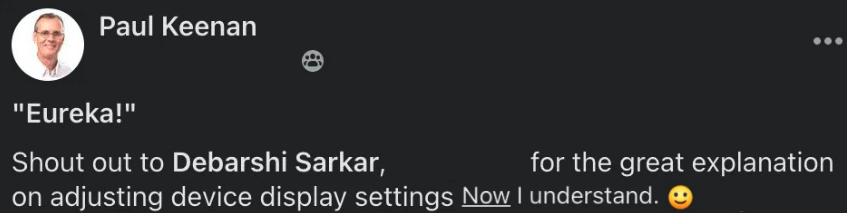
Paul created his entire funnel system with this video course
Grab this Exclusive Launch Pricing
Actual price $597 . Today you pay $397 .
( Save $200 and get instant access to the course )
No, I don't want to save $200, I'd rather pay the full price .
side by side comparison
The Book v/s Video Walkthrough
Here’s exactly how each page of the book comes to life through crystal-clear, step-by-step videos.
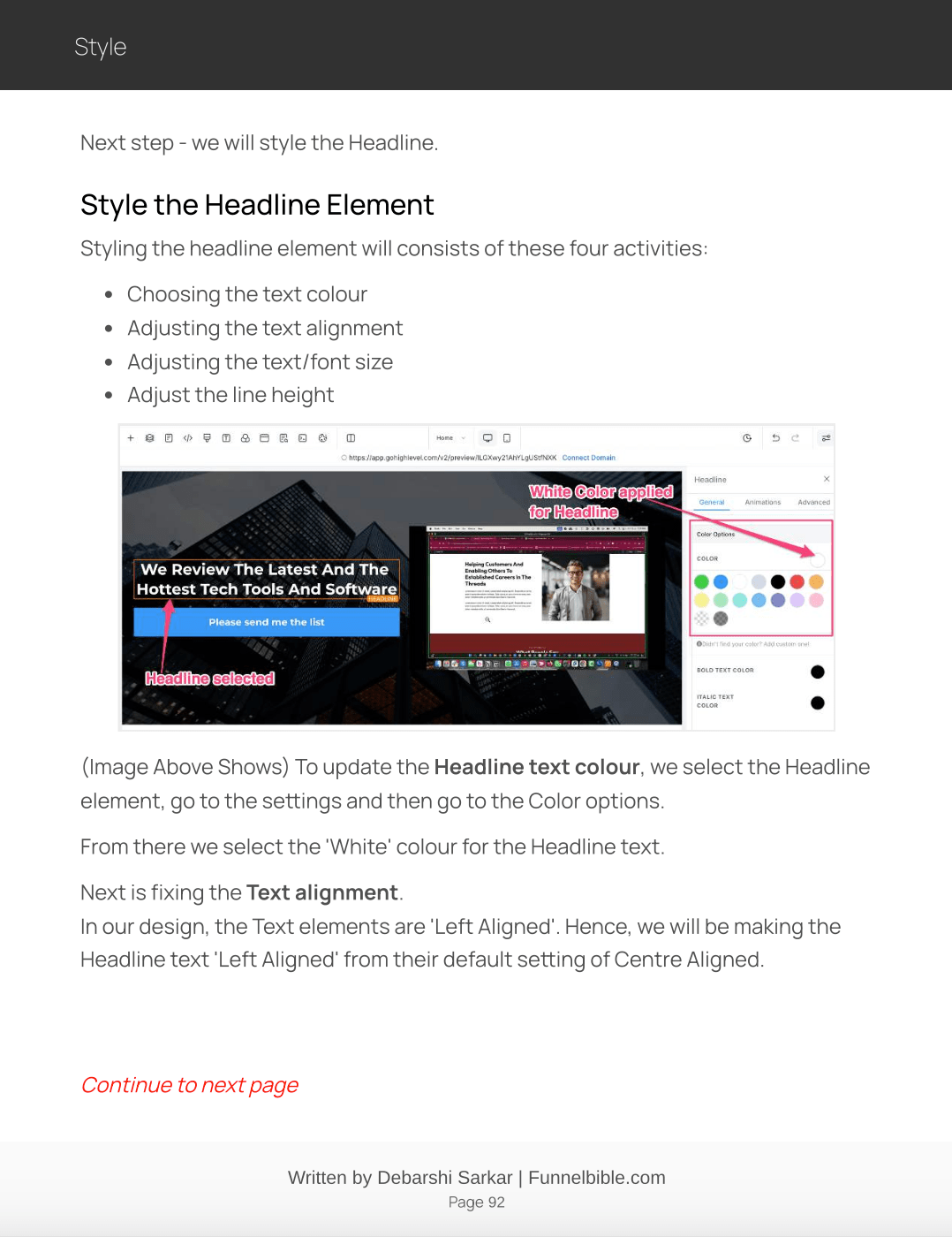
Learn Visually. Apply Instantly. Remember Forever.
Follow along in real time — open the system, apply the settings, and see exactly how it’s done while referring to the book.
Master my workflows — use my proven methods to build cleaner, faster, and more professional designs without confusion or second-guessing.
If you are looking to learn Funnel Building on the GHL platform fast then click the button below to get INSTANT access to the TASK System Video Walkthrough
MORE TESTIMONIALS FROM GROOVE USERS
See more GHL Users raving about the video course
Beat Your Competition By Launching Your Offers Fast!
No, I don't want to save $200, I'd rather pay the full price .
💸 Is This Course Worth the Price?
How much time and money are you Already wasting Trying to Build Funnels?
Let’s be honest—we lose countless hours and dollars trying to figure things out ourselves or hiring help… only to end up frustrated with results that don’t match our vision.
🔴 Real Problems You’re Probably Facing — and Their Hidden Costs:
You’re stuck on a tiny GHL Page Builder issue
Impact: Your product launch is delayed. You’re burning time and losing momentum.
Your funnel looks bad and off-brand
Impact: You’re killing trust, hurting credibility, and losing leads.
You’ve already paid a heft amount to a designer… and still hate the results
Impact: That’s hard cash gone—with zero ROI.
You’ve found a great template from the GHL template library, but can’t figure out how to make it work
Impact: More time wasted. More frustration added.
These “small” roadblocks don’t stay small. They pile up. And before you know it, they’ve cost you thousands in lost sales and weeks of wasted effort.
Now Imagine this...
What if there was someone who handholds you through every step?
Shows you exactly how to fix what’s broken— And helps you build fast, clean, conversion-ready funnels without stress?
That’s what makes this course not just worth it...It makes it priceless.
The Video Walkthrough Course is Originally Priced $597
Today You Pay ONLY $297
SAVE $300 INSTANTLY
LIMITED TIME OFFER - THIS PRICE IS GONE FOREVER IF YOU CLOSE THIS PAGE.
What will you get
Here's What you will get with the TASK System Video Walkthrough Course
Here's what you will learn in the next few days when you take this video walkthrough course
5
Modules
50
Lessons
5
Assignments
1
Certification
The Course Curriculum
Module 1: Terminology
Lesson 1: Introduction to Terminology
Lesson 2: How to Access the GHL Page Builder
Lesson 3: What Are "Objects" in the Page Builder?
Lesson 4: Exploring the Main Parts of the GHL Page Builder
Lesson 5: The Canvas of the GHL Page Builder
Lesson 6: How to Add Elements / Objects to the Canvas (using Elements Panel)
Lesson 7: How to Identify the Hierarchy of Objects On the Canvas (Using Layers Panel)
Lesson 8: Device Modes on the Top Navigation
Lesson 9: Introduction to the Basic Building Blocks of the Page Builder
Lesson 10: What are Sections?
Lesson 11: Rows and Columns (Part 1)
Lesson 12: Rows and Columns (Part 2)
Lesson 13: Understanding Elements
Lesson 14: Exploring the Button Element
Module 2: Architecture
Lesson 1: Introduction to Architecture
Lesson 2: Visual Representation of Design Section
Lesson 3: How to Create a Wireframe from the Visual Representation
Lesson 4: Build Out the Wireframe on the GHL Page Builder
Module 3: Style
Lesson 1: Introduction to Style
Lesson 2: How to Style the Section Object
Lesson 3: How to Style the Headline Text Element
Lesson 4: How to Style the Paragraph Text Element
Lesson 5: How to Style the Button Element
Lesson 6: Styling the Video Element
Lesson 7: Styling for Mobile Device
Lesson 8: A Recap of Architecture and Style
Lesson 9: (Part 1) Commonly Used Style Settings
Lesson 10: (Part 2) Commonly Used Style Settings
Module 4: The KISS Method - Core Principles
Lesson 1: Introduction to the KISS Method
Lesson 2: Understanding Margins and Paddings
Lesson 3: Default Settings of Headline, Paragraph and Button Elements
Lesson 4: Default Paddings on Section, Row and Column Objects
Lesson 5: Why Default Paddings Are Necessary?
Lesson 6: Introduction the Layouts
Lesson 7: (Part 1) Understanding Layout Option 1
Lesson 8: (Part 2) Understanding Layout Option 1
Lesson 9: Understanding Layout Option 2
Lesson 10: Recap of Layout Options 1 and 2
Lesson 11: When Do We Use Layout Option 1 Over Layout Option 2?
Lesson 12: Introduction to Core Principles of the KISS Method
Lesson 13: Core Principle #1
Lesson 14: Core Principle #1.1
Lesson 15: Core Principle #2
Lesson 16: Core Principle #3
Lesson 17: Core Principle #4
Lesson 18: Core Principle #5
Lesson 19: Categorization and Recap of the Core Principles
Module 5: The KISS Method - Baseline Settings
Lesson 1: Introduction to Baseline Settings
Lesson 2: Understanding Different Text Styles and their Underlying Technical Text Elements
Lesson 3: Hero Headline Baseline Settings
Lesson 4: Line Height (with the Line Height Formula).
Lesson 5: Sub Description Baseline Settings
Lesson 6: Secondary Headline Baseline Settings
Lesson 7: Sub Headline Baseline Settings
Lesson 8: Body Text Baseline Settings
Lesson 9: Recap of Baseline Settings for All Text Styles
Lesson 10: Button Baseline Settings
Lesson 11: Section Baseline Settings
Lesson 12: Introduction to Gap Creation
Lesson 13: Refresher of Core Principles 1 and 3
Lesson 14: Gap between Headline (or Sub-headline) AND Sub-Description (or Body Text)
Lesson 15: Gap between two consecutive Body Text elements
Lesson 16: Gap Between Text AND Large or Extra Large Button
Lesson 17: Gap between Text AND Small or Medium Button
Lesson 18: Definition of Layouts
Lesson 19: Gap between Text AND Layout
Lesson 20: Gap between Layout AND Button
Lesson 21: Gap Between Two Consecutive Layouts
Get Instant Access To This Course
get started today!
Start your Funnel Building journey In 3 simple steps
Stop wasting time by trying to learn from various free resources, and start learning effectively with a step-by-step guided course
1. Start with the book

1. Start with the book
The T.A.S.K. System for GHL is the best way to learn the HighLevel Page Builder to design pages for funnels and websites. It's easy to get started by going through the chapters in sequence. After you read each page, move on to the video lesson.

2. Go through the TASK System video Walkthrough course

The video lessons describe each topic in depth with visual explanations, by going though the actual builder screens. The lessons the exact workflows of build that includes applying the TASK System concepts and a lot of bonus strategies that's not included in the book.

3. Implement What You Learn And build professional Looking Funnels and Websites

3. Implement What You Learn And build professional Looking Funnels and Websites
Follow the videos and implement the exact steps to build amazing pages all by yourself. You will be mastering the page builder faster than you can even imagine.
don't worry, you are in good hands
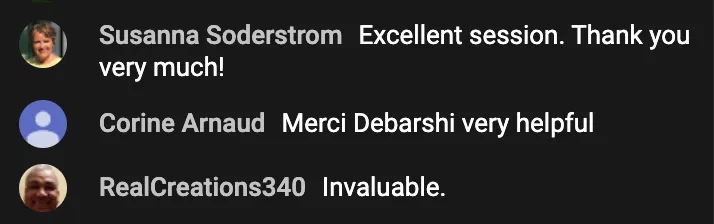
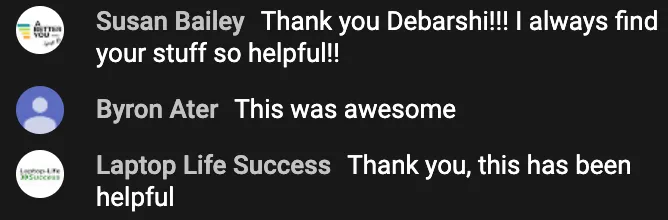
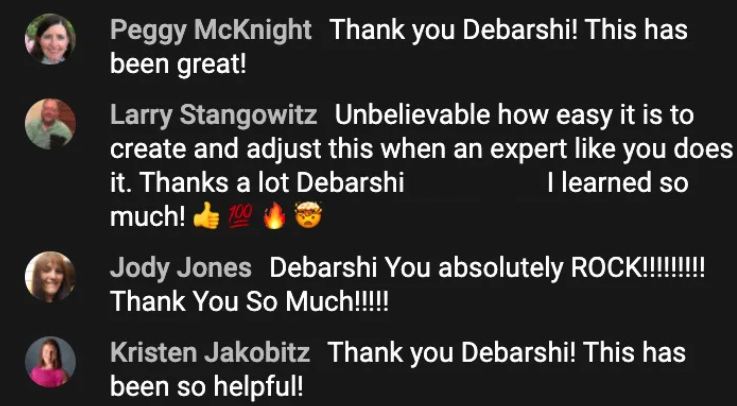
You Are going to get the best possible training








⚠️ If You’re Not Building & Launching Funnels Fast…
You are bleeding sales every Single second
That’s not an exaggeration — it’s real money left on the table.
🕒 Your Time Is Money.
This course helps you build funnel pages
fast— so you can launch sooner, sell quicker, and profit faster.
If you crunch the numbers, the value of this video walkthrough isn’t just worth it…
It pays for itself over and over again.
The Video Walkthrough Course Regular Price $597
Today you pay ONLY $297
SAVE $200 ON THE ACTUAL PRICE
LIMITED TIME OFFER - THIS PRICE IS GONE FOREVER IF YOU CLOSE THIS PAGE.
Let's be real
This is by far the Easiest Way to Learn Funnel Design on the GHL Builder
Why struggle alone when you can follow a proven, step-by-step visual path — built for speed, clarity, and real results?
Letter from the Creator of The T.A.S.K. System
From: Debarshi Sarkar
Subject: About the T.A.S.K. System Video Walkthrough Course
As we all know that every class room, to learn a subject in school or college or at any institute, needs a teacher. And why is that?
A teacher is the subject matter expert who helps you grab the concepts faster and execute them correctly to get the end result from the training material.
You have already made a great decision by getting the e-Book on the T.A.S.K. System for GHL Funnels & Websites. And the book in itself will help you learn heaps about the GHL page builder.
However, if you need that teacher who will explain every concept of that's covered in the book, you must grab this opportunity to get this video walkthrough.
This video course will not only explain you the book with a more visual representation and depth, this will also cover a lot of Bonus scenarios which are not possible to be explained via a book.
This is the ONLY page where you will get this course at such a discounted price. Outside this page you have to pay the full price of $597.
Once you leave this page you have to pay the full price of the course if you decide to buy it later. So, I'd highly encourage you to grab this opportunity now and save money; because I'm pretty sure that after going through the book you'd want to learn further via this course!

Debarshi Sarkar
creator of the TASK System
This video walkthrough will help you master the GHL Page builder Fast
Without you having to waste any time trying to learn from scattered sources!
Confidently work on the HighLevel page builder and design your websites and funnels.
Save hours and hours of time trying to figure out issues with your funnels or websites.
Easily customize the templates from the extensive template library to make them your own.
Save tons of money trying to hire the right tech person to do small fixes on your website.
Launch your products fast with high converting funnels and make quick sales.
The Time and Money That You Will Save Following The Course Make It Worth More Than $10,000
And it is priced only a fraction of its value. The course is actually Priced $597
Today you pay ONLY $297
(SAVE $300 WHEN YOU BUY THIS OFFER RIGHT NOW)
LIMITED TIME OFFER - THIS PRICE IS GONE FOREVER IF YOU CLOSE THIS PAGE.